
About Symphony Agent in Symphony Creative Studio
Symphony Agent in Symphony Creative Studio is an AI-powered creative tool from TikTok Symphony that helps you generate full TikTok-style video ads end-to-end. It learns from top ad trends, templates, or your own reference videos, and turns those creative patterns into structured storyboards and finished videos, all in one interactive workflow.
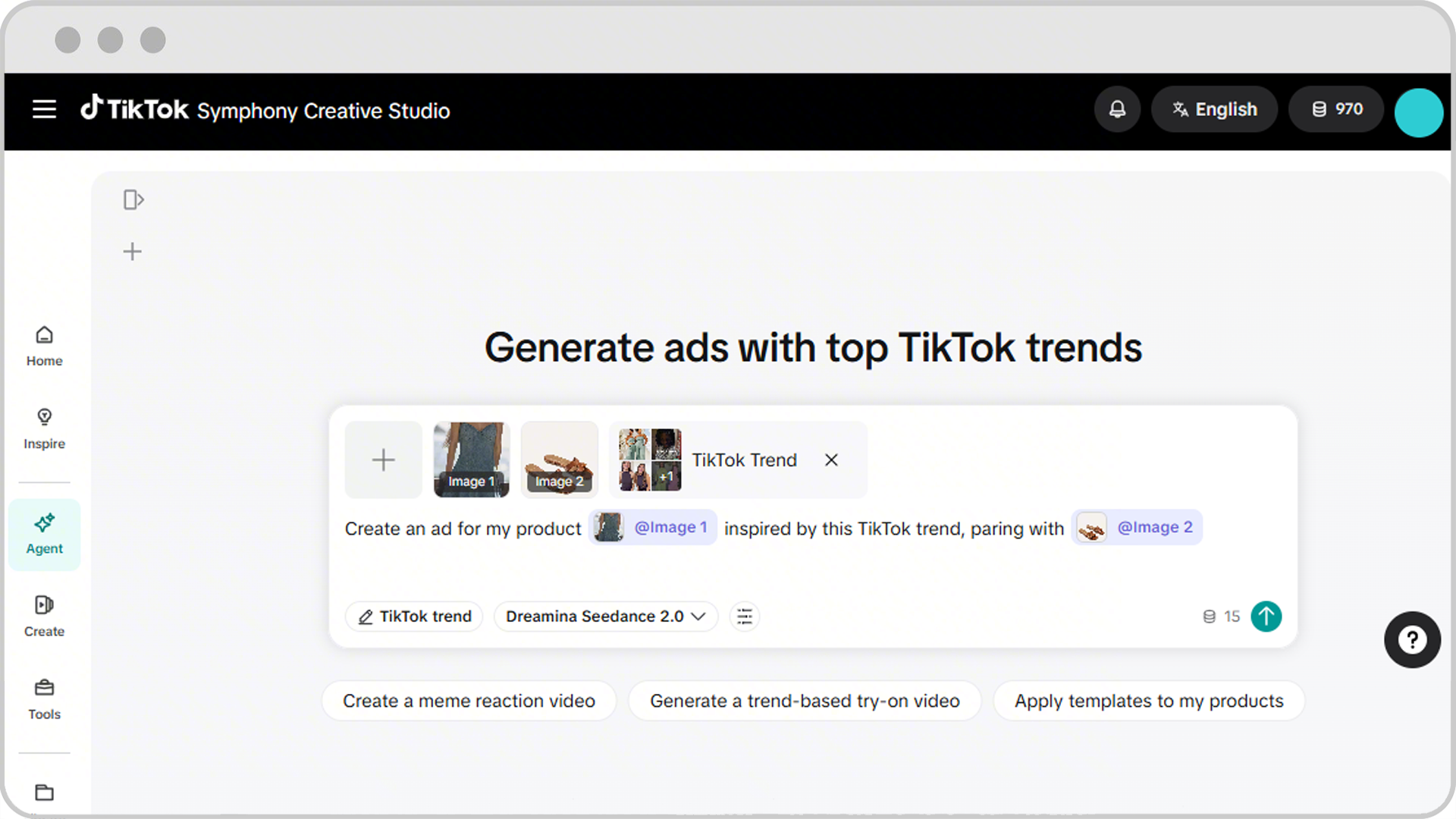
Benefits of Symphony Agent in Symphony Creative Studio
Symphony Agent is built to help you move from creative idea to finished video ad faster, while keeping quality and brand control in your hands. Key benefits include:
Faster creative production: Generate a 15-second video in about 5 minutes.
Inspiration from what works: Select from top ad trends, templates, and proven creative patterns on TikTok, instead of starting from scratch.
Human creative control: Edit storyboards, scenes, voiceovers, tone, and calls to action through natural language prompts or precise side-panel controls.
Built-in safety and compliance: Non-compliant images and text are blocked before generation, and the agent guides you to update inputs that don't meet requirements.
Ready for testing: Generate up to 3 video variations at a time for A/B testing, and quickly regenerate with new characters, scenes, or directions.
Continuous workflow: Save sessions, return to past work, and reference previous versions with simple prompts.
Features of Symphony Agent in Symphony Creative Studio
Symphony Agent brings together inspiration, generation, and editing in one workspace. Core features include:
Inspiration sources: Start your video from a top ad trend, a TikTok template, your own reference video, or a free-text prompt.
Flexible inputs: Provide product images, selling points, target audience, brand tone, and creative constraints (such as "no humans" or "no medical claims") to shape the final video.
Guided agent workflow: Move step by step through a generated product brief, insight report, storyboard, and finished video.
Conversational AI edits: Through Symphony Agent's AI Edit, you can type feedback in a prompt box to ask the agent to update any deliverable in the workflow.
Precise edits: Open a side panel to make detailed changes to scripts, storyboards, voiceovers, scenes, tone, structure, calls to action, and selling points.
Saved sessions and chat history: Save your work, return to it later, run multiple active sessions at the same time, and reference previous versions with simple prompts such as "Use the previous version".
Availability and access
Access to Symphony Agent is based on ad spend of the TikTok Ads Manager account linked to Symphony Creative Studio.
How to use Symphony Agent in Symphony Creative Studio
In Symphony Creative Studio, Symphony Agent guides you through a chat-based workflow that turns your inputs into a finished video ad. To access Symphony Agent:
Log in to TikTok Symphony Creative Studio via desktop with your TikTok for Business account.
Hover over the left navigation panel and click Agent.
To use Symphony Agent in Manual Mode, with manual prompts and configurations:
Choose an inspiration source, such as a top ad trend, a TikTok template, or your own reference image or video.
Describe your goal in natural language, including selling points, target audience, brand tone, and any creative constraints.
Review the product brief, insight report, storyboard, and final video that the agent generates.
Edit and refine any stage using prompts or the side panel, then regenerate the video.
You may also use Symphony Agent in Auto Mode, which lets you skip the individual review and confirmation stages between prompt and output generation, as well as AI Edit, which lets you fix visual defects and make targeted edits to specific scenes in your generated videos. Learn more how to use Auto Mode in Symphony Agent and how to use AI Edit in Symphony Agent.
Note: The agent does not copy existing ads. It analyzes hooks, storytelling patterns, and calls to action from top ad trends, and then generates original content inspired by those patterns.
Safety and compliance
Symphony Agent has built-in safety and compliance checks to help your videos meet TikTok's requirements:
Non-compliant images or text are blocked before generation.
The agent may flag adjustments and provide auto-adjustments or guides for you to update your input.
Human faces in product images are automatically flagged for review.
