
About generated ad cards
The Generate ad card toggle in TikTok Ads Manager is a feature that uses AI to automatically create display cards for your ads. It pulls key details, such as product images and selling points, from your landing page or Catalog Manager settings and turns them into a high-quality, engaging ad component called "display card".
Demo
Note: The demo above illustrates ad card concepts and may not show all UI elements.
Benefits
Improved efficiency: You can get high-quality creatives automatically, which lowers the time and cost of producing display cards manually.
Higher relevance: The feature uses the context of your ad to optimize each card, which can lead to higher engagement and conversion rates.
Simpler management: You get one workflow to create, deliver, and optimize your ads, which makes it easier to manage campaigns across channels.
How generated ad cards work
Image selection and expansion: The system first reviews your landing page as well as Catalog Manager settings (for Catalog campaigns only), and recalls only the images that are suitable for display cards, based on criteria such as whether the product is fully visible and meets resolution requirements. It then selects high-quality images and expands them to fit the card or generate video based on them to fit the card.
Marketing element generation: The system creates key marketing elements, such as product selling points, background, and calls to action, and integrates them into a card. It arranges these elements based on the image orientation and text length, adapts the font and button colors to the background, and renders the text onto the image.
Quality control: Each card goes through a multi-step review. The system filters sensitive words to keep copy quality high and screens images for sensitive topics like politics or violence.
How to enable or disable generated ad cards
The system optimizes and delivers your ad cards automatically - so while you can't preview or edit a generated card in TikTok Ads Manager, you can see an example in the tooltips next to the Generate ad card toggle in the Ads Manager interface. Note: You can turn off the Generate ad card toggle at any time. Depending on your campaign creation flow, you can find this in the automatic enhancements settings or as an independent toggle in the Ads Manager interface in your ad settings. Toggle in automatic enhancements settings
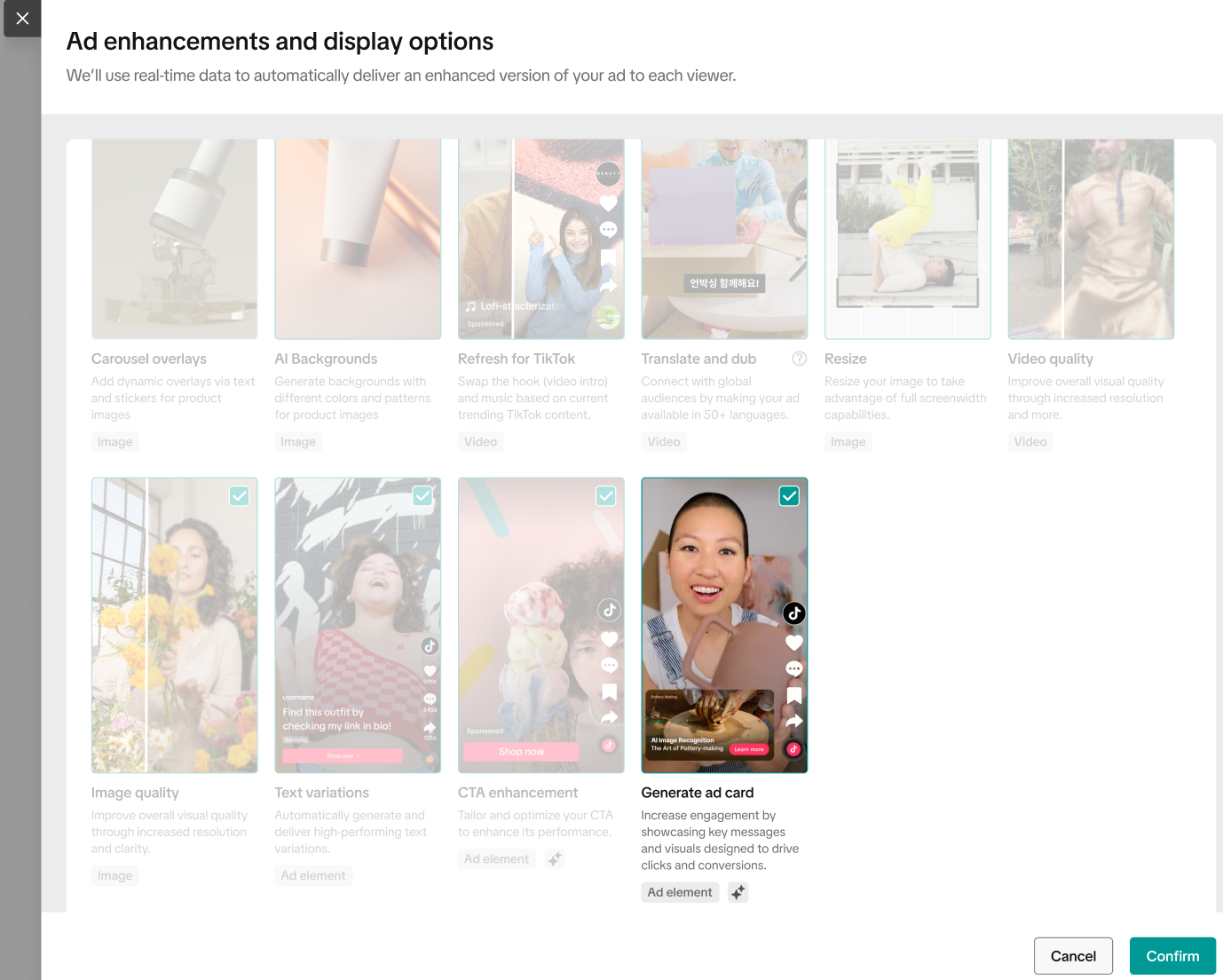
Independent toggle in the TTAM interface
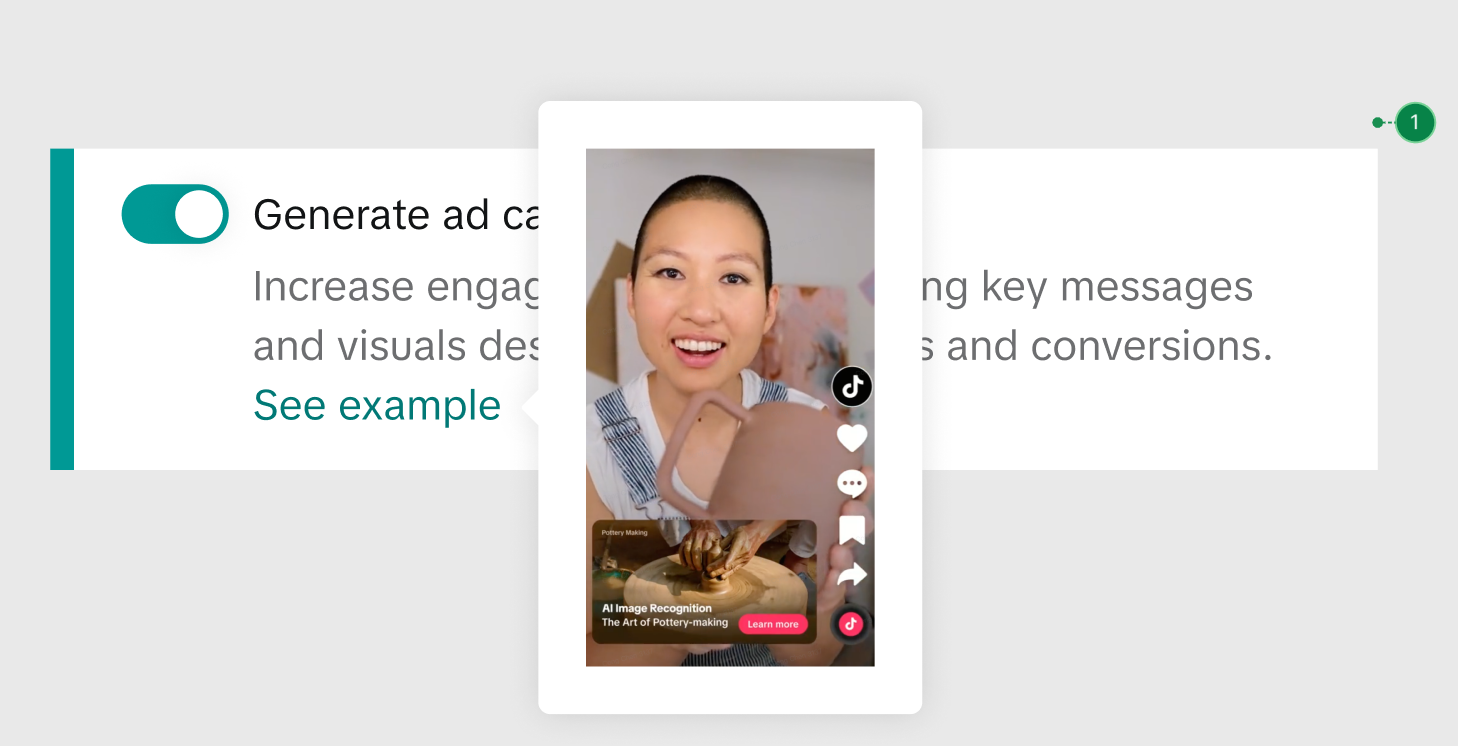
Availability
The Generate ad card toggle is available for the following campaign types:
Web campaigns: Available for video and carousel (image) ads in the TikTok feed.
App campaigns: Available for video and carousel (image) ads in the TikTok feed.
Lead campaigns: Available for video and carousel( image) ads in the TikTok feed.
Exclusion:
Sensitive industries are excluded, such as the Pharmaceutical industry.
Get started
In your ad settings, locate the Automatic enhancements and display options section in most creation flows or as an independent toggle in the Ads Manager interface in your ad settings. You can choose to turn the Generate ad card toggle on or off.
