
About Split Testing in Experiment Manager
Introducing TikTok Experiment manager, a self-serve platform designed to streamline your measurement testing. With this tool, you'll be able to effortlessly create and manage measurement tests from a single interface.
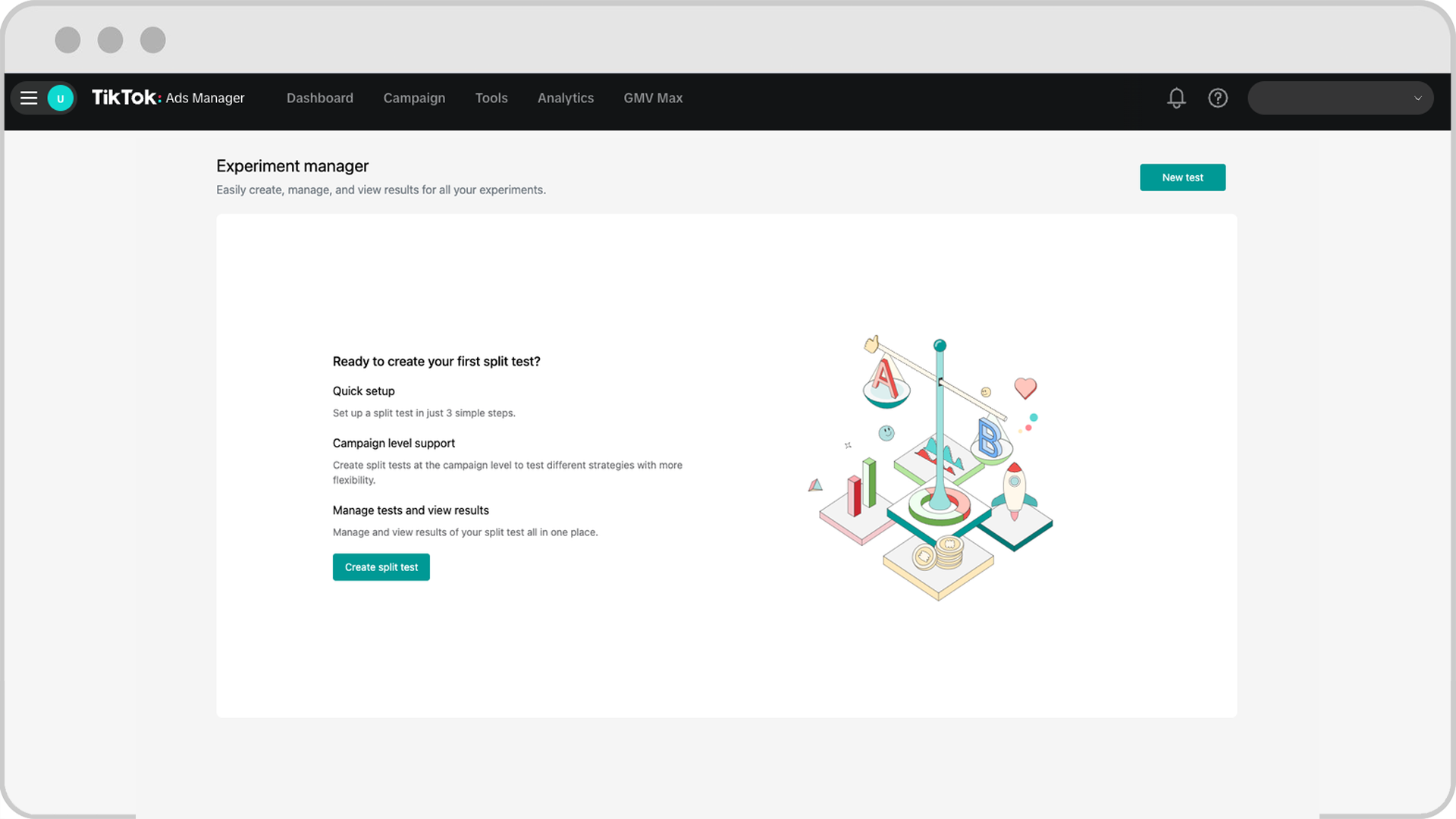
In this Alpha launch, we're introducing Experiment manager with support for Split Testing measurement, allowing advertisers to easily conduct A/B tests at the Campaign level. In the future, we plan to expand with additional measurement solutions, such as Conversion Lift and Brand Lift. For now, this Alpha launch will focus exclusively on campaign-level split testing.
Key features of split testing in Experiment manager
Centralized interface for all experiments (currently split test only)
Unified view: Manage all your split tests from a single, centralized portal.
Scheduling: Modify test start dates, extend durations, and adjust test settings in one place.
Simplified split test creation
Seamless creation flow: Experiment Manager allows you to create split tests directly from your existing campaigns in TikTok Ads Manager without the need to set up new ones.
Intuitive interface: Our user-friendly interface makes it easy to initiate Split Tests and we will allow users to create tests with just a few clicks.
Comprehensive insights
Reporting: Access and track results of all your campaign-level Split Tests created in TikTok Ads Manageror Experiment Manager. Our reporting will make it easier to analyze performance and derive actionable insights to help your clients scale.
Enhanced filtering: Quickly filter and sort split tests based on status (scheduled, live, ended) to find exactly what you need.
How to access split testing in Experiment Manager
Go to TikTok Ads Manager.
In the Analytics tab, click Experiment manager.
How to create a campaign level split test in Experiment Manager
Go to TikTok Ads Manager.
Go to the Campaign page.
Create the two campaigns in TikTok Ads Manager that will be used in Split Testing.
Confirm the Campaigns are eligible for campaign level Split Test. Learn more about custom split testing to see what is eligible.
Turn on the toggle for both campaigns in TikTok Ads Manager.
In the Analytics tab, click Experiment manager.
Click create split test.
In Step 1, upload the Campaign Ids in Campaign A and Campaign B input fields.
In Step 2, input the test name, test dates, and key metric you want to measure. Ensure the estimated testing power is sufficient to run a Split Test.
In Step 3, review your split test configuration and click on create split test.
How to manage and view all of your split tests in Experiment Manager
Go to TikTok Ads Manager.
In the Analytics tab, click Experiment manager.
View a summary of ongoing and completed tests, including winner status, key metrics, and Statistical Significance.
View and search tests using key features like Sorting, Test Status Filter and Test Dates.
How to edit existing split tests in Experiment Manager
Go to TikTok Ads Manager.
In the Analytics tab, click Experiment manager.
Find the test you want to edit.
Click See Details of the Test.
Change the test schedule, rename the test, end test, or cancel the test depending on the stage of the split test.
How to access reporting in Experiment manager
Go to TikTok Ads Manager.
In the Analytics tab, click Experiment manager.
Find the split test you want to view results for. This will include all campaign-level split tests created in TikTok Ads Manager (Smart+ split test and custom split tests).
Click results.
