
How to create an ad in TikTok Ads Manager for new advertisers
TikTok Ads Manager makes recommendations throughout the ad creation process for small-to-medium businesses who are new to advertising on TikTok.
Before you begin
To create an ad on TikTok, you'll need to:
Create a TikTok for Business account
Learn about various advertising objectives
How to create an ad on TikTok Ads Manager as a new advertiser
To create an ad as a new advertiser:
Log in to your TikTok for Business account.
Go to the Add business information page, and enter your business website URL to auto-fill company details.
Click Continue.
Choose an advertising objective.
The system will automatically recommend an objective based on the previously provided business information, and this option will be placed at the top of the objective selection list.
You can also select from the other displayed advertising objectives.
Click Show more to view all objectives if you prefer a different one.
Note: If you would like to exit these recommendations and experience the full suite of advertising objectives and campaign options, click Switch to full options at the bottom left of the navigation menu.
Click Continue.
Based on your advertising objective, default settings will be applied. Different objectives have different default settings. Adjust settings if needed and click Continue.
Sales
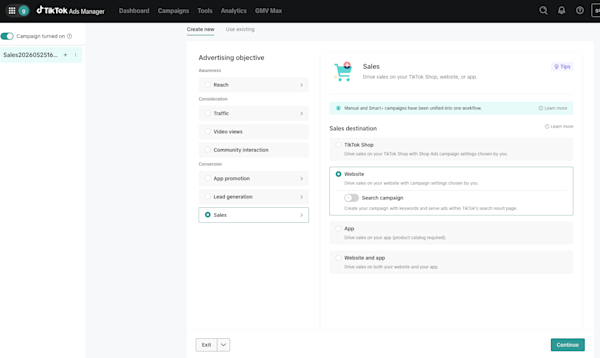
TikTok Shop: GMV Max is automatically turned on. To use standard campaign settings instead, turn off GMV Max.
Website conversion: The optimization goal is set to Conversion by default (pixel setup required; if you haven't set up a pixel, click Get started to go to Event Manager).
Lead generation
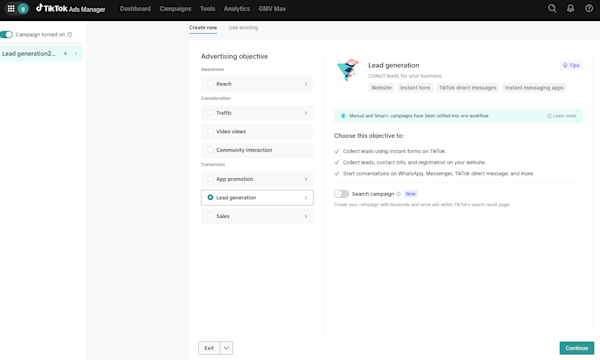
Website form: The optimization goal is set to Conversion by default, with the optimization location set to Website.
Instant Form: The optimization goal is set to Form submission by default, with the optimization location set to Instant Form.
Brand awareness
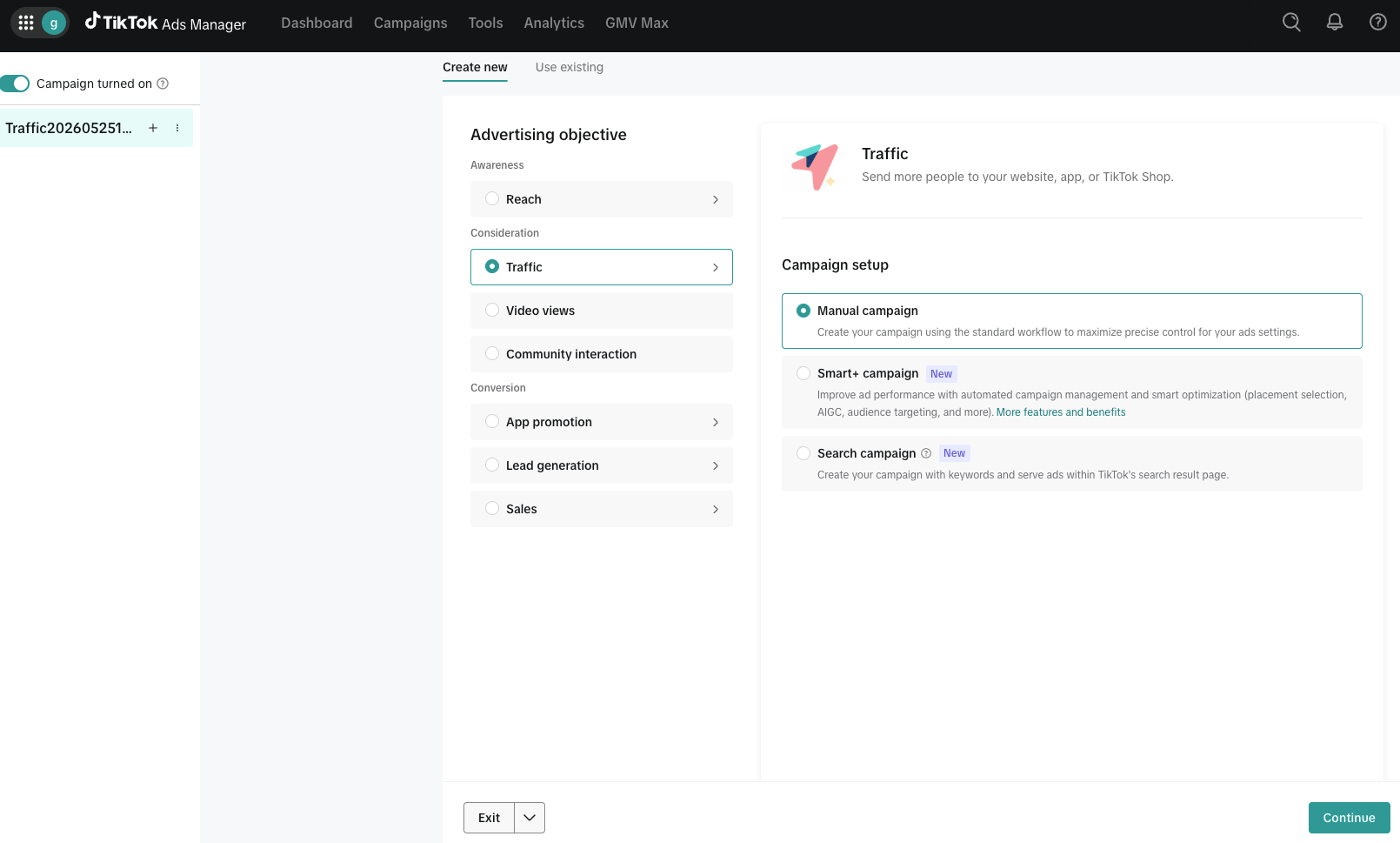
Traffic: The optimization goal is set to Landing page view by default.
Video views: The optimization goal is set to 6-Second video views by default.
Community interaction: The optimization goal is set to Follow by default.
7. Click +Add creative to upload or select content from your TikTok posts or your library.
8. Choose your budget and targeting settings. We'll recommend some options based on your campaign objective and optimization goals. You can also choose Create your own to set up a custom budget.
9. Review and confirm your billing details.
10. Check all settings including targeting, budget, and creative assets. Click Publish to launch your ad.
Once you complete these steps, your ad campaign will be submitted for review and approval by TikTok. To learn more about the benefits of this process, visit About ad creation for new advertisers on TikTok Ads Manager.
